Login issues
If an error saying “Some profiles might have wrong username/password or duplicated credentials” when you try to login do the following:
- Open the Profiles Manager in the Profiles menu > Manage profiles and mark the checkbox that says Show passwords.
- Open a web browser of your preference and test each of your profiles that were selected when you received the message. Login with each one of them by copying and pasting username and password to make sure that it’s been typed correctly.
- If you get a wrong credentials error, find the correct ones and fix them in the Profiles Manager. *
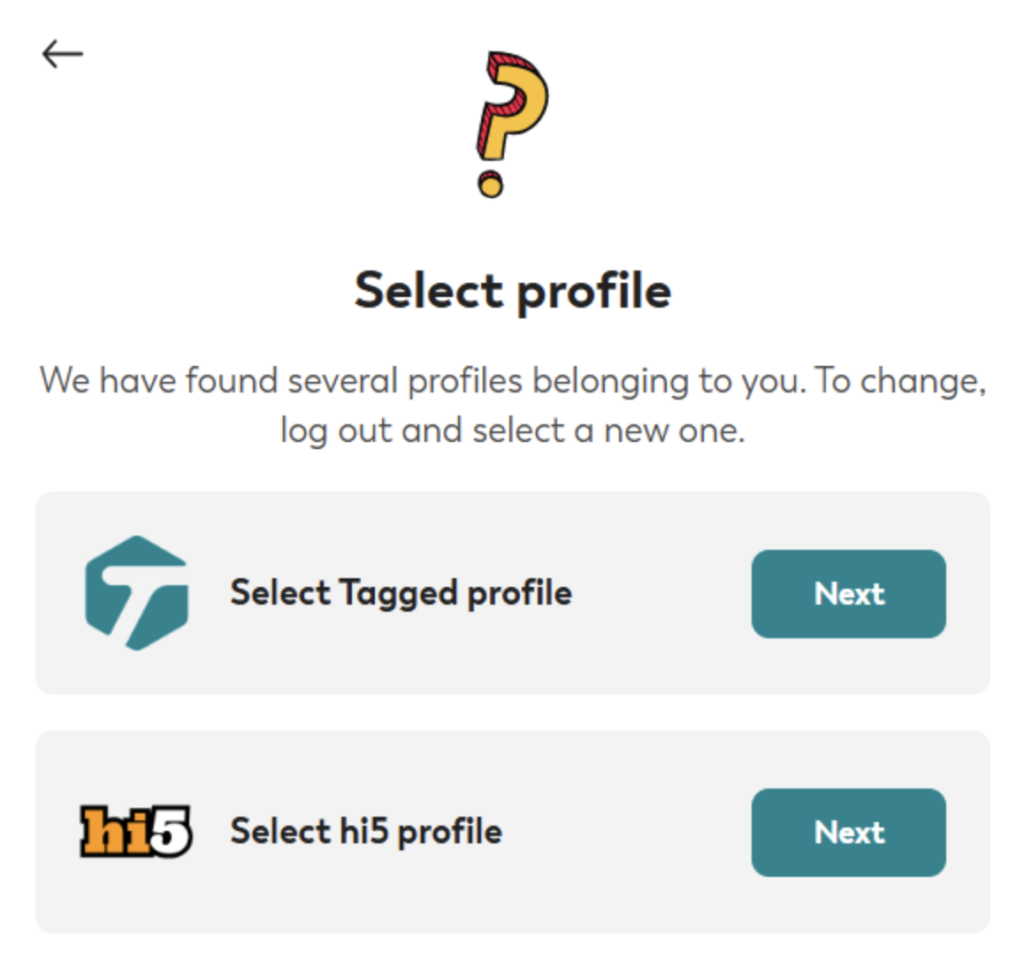
- If you see page like the one below that says Select profile, you must click Next on the correct one and go Profile > My account > Change password. Then update the password in Profiles Manager. *
* After doing this you might still have to wait a few minutes or maybe hours until tagged removes the flag so that the program can login with the updated profile.